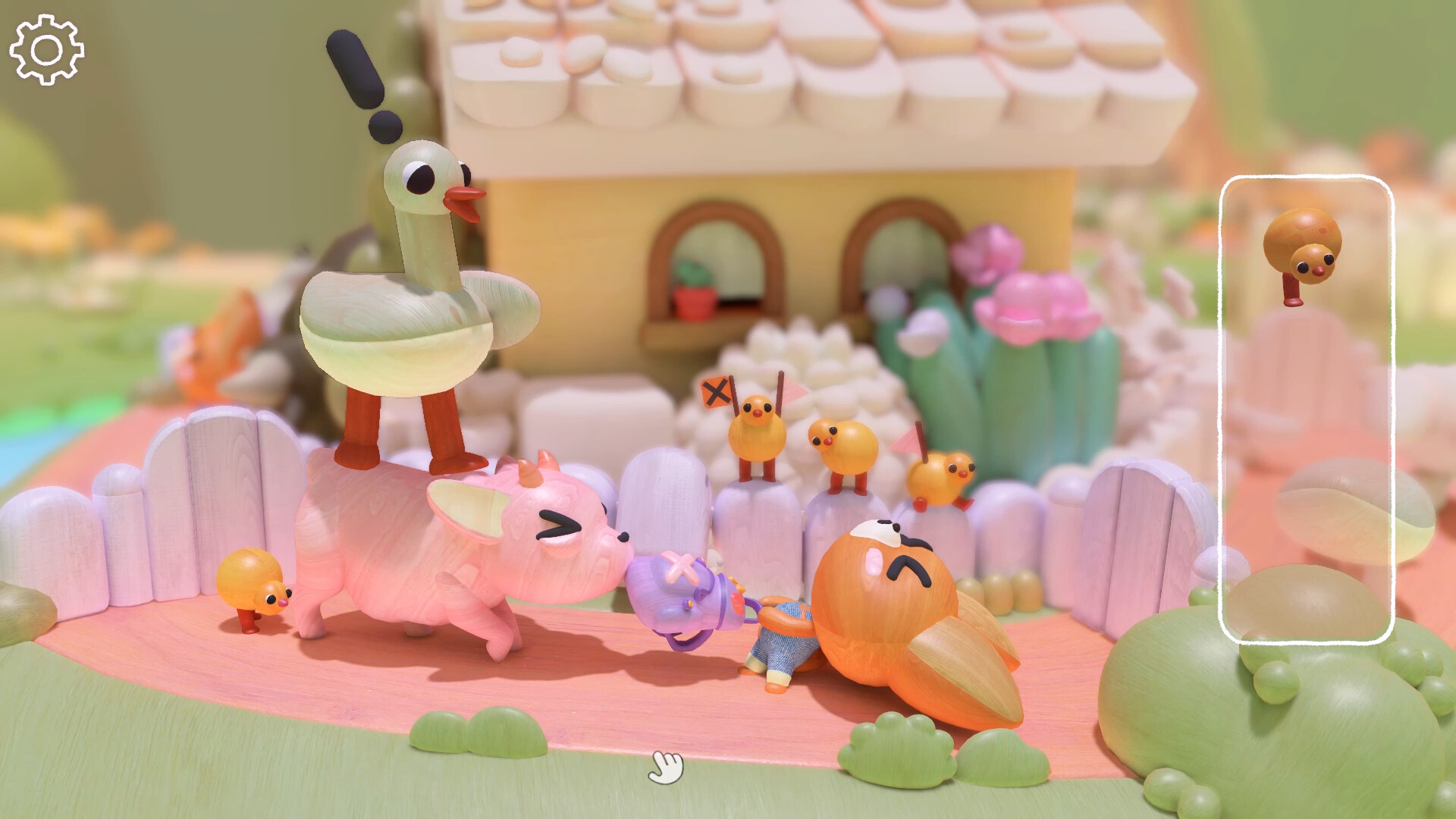
Confirmed gameplay base
- Woodo is a single-player, object-based 3D puzzle game.
- Players rebuild interconnected wooden dioramas piece by piece.
- The demo remains useful for practicing rotation, inspection, and placement.
Start with these cleanup routes
- Dusty Den / Light It Up — finish the scene, use the two floor switches near the front of the room, then click the desk-lamp shade.
- Walkie-Talkie — check the four reported walkie-talkies in The Dusty Den, The Change, Hidden Island daytime, and The Best Summer, listening until each message finishes.
- Tiny Monks — sweep the 10 reported monk scenes: A Memory, The Village, The Dusty Den, Ben, The Change, Pirates, Hidden Island day, Hidden Island night, The Best Summer, and Goodbye.
- Photo cleanup — take the first photo, then target Ben's straw on Hidden Island, the Ben-level bumblebee, Ben and Foxy by the Hidden Island fire, and the yellow captain in The Best Summer.
- Hands On Deck! — finish Pirates, then click the green worm/caterpillar so it reaches the fish.
Camera and missed-piece habits
Most cleanup reports point back to careful camera work. Click nearby objects to center the view, zoom in before taking small-object photos, rotate around furniture and shelves, and let voice lines or animations finish before leaving a scene. If a tiny object or photo target does not register, repeat the interaction after zooming rather than immediately restarting the whole level.
Evidence still required
The routes above combine confirmed achievement wording with current community walkthrough reports. They should be treated as practical cleanup help, not official chapter documentation, until this site verifies each step in a release build.
Use the 100% checklist for objective tracking; exact full-game routes still need screenshot or hands-on verification.
Sources & verification
This page separates confirmed public facts from release-build observations. Official sources are preferred for platform and product details; the published Xbox list is used for achievement names and requirements.
Official Steam page↗Steam achievements↗Official Woodo website↗Daedalic demo announcement↗Guidexon achievement route guide↗TrueAchievements Light It Up report↗Third-party published achievement list↗